How to Set a Timer on Worcester Boiler
Keeping your home warm without wasting energy is important and setting a timer on your Worcester boiler is a simple way to do it. With a timer, you can schedule when your heating turns on and off throughout the day. This means your home stays warm when you need it most, like in the mornings or evenings, and saves energy when you’re out or asleep. It’s an easy step toward making your heating system more efficient and reducing your energy bills.
Table of contents
Why Set Your Worcester Boiler Timer?
Setting the timer on your Worcester boiler offers several benefits:
Energy Efficiency: By programming your boiler to only run when necessary, you can avoid wasting energy, which leads to lower heating costs.
Comfort Control: With a timer, you can ensure your home is warm when you need it most, without having to manually adjust the boiler every day.
Convenience: A timer allows you to pre-set your heating system, so you never have to remember to turn it on or off yourself.
Step-by-Step Guide to Setting the Timer on Your Worcester Boiler
Time needed: 6 minutes
Follow the below steps to set timer on worcester boiler
- Find the Timer Controls
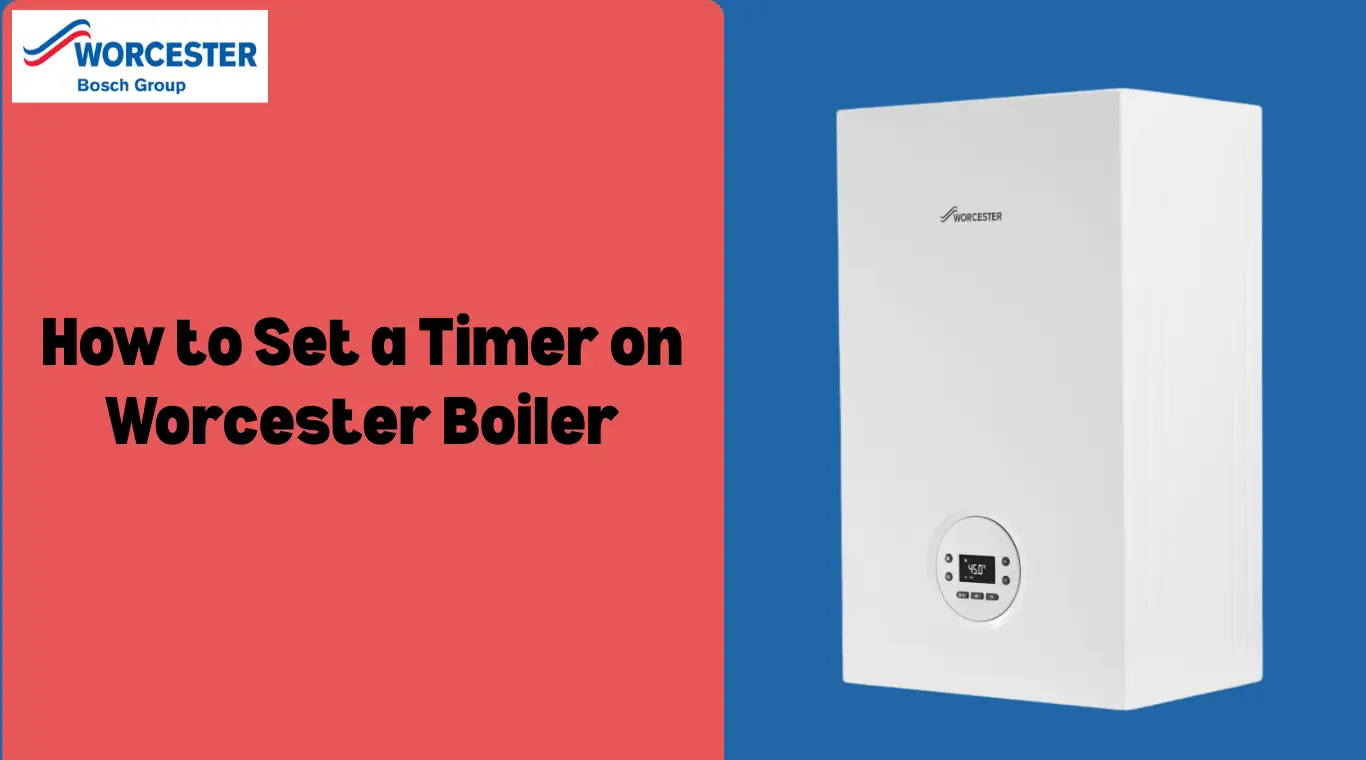
Look at the front of your boiler to find the control panel. This is where you’ll find the timer or clock buttons. If you’re not sure where to look, check your boiler’s user manual for help.
- Open the Timer Settings
Press the button marked “Timer,” “Program,” or a clock symbol. This takes you to the timer menu on the display screen.
- Choose Your Heating Times
Use the arrow buttons or dial to set the times you want the heating to turn on and off. Many boilers let you set different times for weekdays and weekends.
For example, you might set the heating to come on 30 minutes before you wake up and turn off after you leave for work. - Save the Settings
When you’ve chosen your times, press the “OK” button or the one with an arrow symbol to save them. You’ll usually see a message confirming the settings. You can go back later to change or remove them if needed.
When to Call a Gas Safe Engineer
You should call a Gas Safe registered engineer if:
- Your boiler timer or control panel doesn’t respond
- The boiler isn’t turning on or off as scheduled
- You hear strange noises or smell gas
- There are any leaks or error messages
Never try to fix gas-related problems yourself. For safety, always get help from a certified professional.
Conslusion
Setting a timer on your Worcester boiler helps keep your home warm while reducing energy waste and costs. It’s a simple way to improve efficiency and comfort, and if any issues arise, a qualified engineer can help ensure everything runs safely.
Frequently Asked Questions
Both of these dials are numbered 1 to 6. To set the right Worcester Greenstar boiler water temperature settings – around that 60°C mark – set the hot water dial to setting 3. For the correct central heating flow temperature, set the heating dial to setting 4 or 5.
Most boilers come with a timer, which you can use to program your heating to switch on and off automatically at particular times of day.
To set a timer switch with pins, first turn the dial to the current time. Then, push down the pins (or pull them up, depending on the timer) for the time you want the device to be on. Flip the switch to the “timer” position and plug in your device.
Mechanical boiler timers usually feature a 24-hour round dial with pins around the outside marking 15-minute intervals. Setting a mechanical timer involves pressing these pins towards the centre of the dial at the time of day that you want the boiler to turn on.