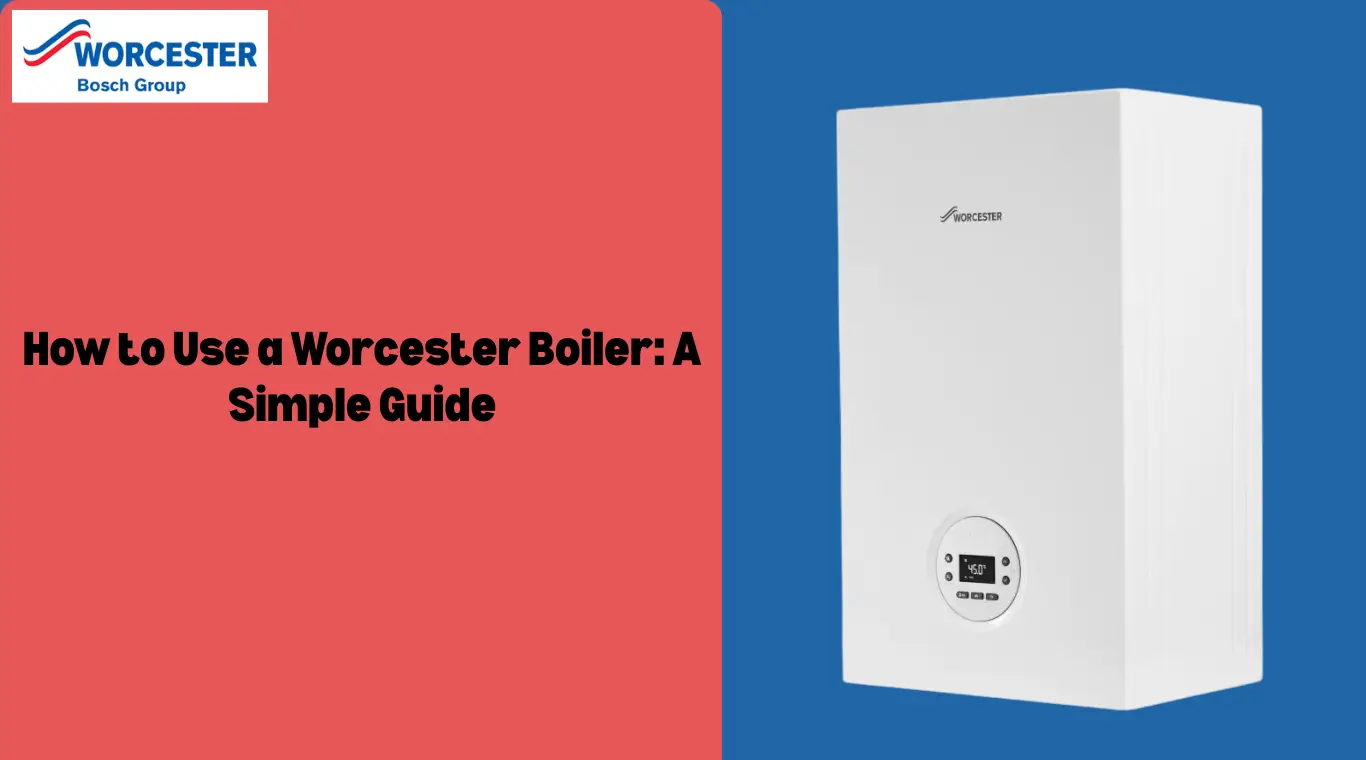
How to Use a Worcester Boiler: A Simple Guide
Using a Worcester boiler is easy once you understand the basic controls. Whether you’re turning it on, setting the temperature, or checking the pressure, this guide will help you use your boiler safely and efficiently. Always make sure you’re familiar with your specific model and keep the manual nearby for extra help.
Table of contents
What is a Worcester Boiler?
A Worcester boiler is a type of heating system made by Worcester Bosch, one of the leading boiler manufacturers in the UK. These boilers are known for their reliability, energy efficiency, and ease of use. They provide hot water and central heating for homes and come in different types, including combi boilers, system boilers, and regular boilers. Worcester boilers are commonly used in both small homes and larger properties and are designed to be user-friendly while maintaining high performance and safety standards.
Steps to Use a Worcester Boiler
Time needed: 5 minutes
Follow the below steps to use the worcester boiler
- Turn on the Boiler
Find the on/off switch on the front panel. It’s usually a simple button or toggle. Switch it to the “on” position.
- Set the Hot Water Temperature
Use the dial or buttons on the control panel to adjust the hot water temperature. Check your model’s manual if you’re not sure which control does this.
- Set the Central Heating Temperature
Like the hot water, you can control the heating temperature using a separate dial or buttons on the boiler.
- Use the Programmer or Thermostat
This lets you set heating schedules for different times of day. You can do this manually or let it run on automatic settings. The thermostat helps maintain the room at the temperature you choose.
- Check and Adjust Boiler Pressure
Look at the pressure gauge on the front. It should read around 1.5 bar. If it’s too low, you’ll need to add water using the filling loop. If it’s too high, you may need to release air from a radiator (bleeding the system).
- Reset the Boiler (if there’s an error)
If your boiler shows an error code, press the reset button on the control panel. The boiler should restart and clear the code.
- Understand the Lights
Your boiler has indicator lights that show whether it’s working, heating, or has a problem. Check your manual to learn what the lights mean for your model.
When to Call a Gas Safe Engineer
You should call a Gas Safe registered engineer if your boiler keeps losing pressure or shuts off repeatedly, you hear unusual noises like banging or whistling, you see a fault code that doesn’t clear after a reset, the boiler is leaking water or gas, or you smell gas or suspect a gas leak. Turn off the gas supply and leave the property immediately if you smell gas. Never try to fix a gas-related issue yourself. A qualified engineer can safely inspect, repair, or service your boiler to keep it running smoothly and safely.
Conclusion
Using a Worcester boiler is straightforward, and with proper care and attention, your boiler will provide reliable heating and hot water for many years. By following the steps outlined above, you can ensure that your boiler operates efficiently, saving energy and maintaining comfort in your home. Regular maintenance and monitoring of the system will keep it running smoothly, so you can enjoy reliable warmth whenever you need it.
Also you can find guides on how to turn on and turn off Worcester boilers.
Frequently Asked Questions
To reset a Worcester gas boiler, locate the reset button on the control panel, typically marked with a circular arrow. Press and hold the button for 3-5 seconds, then release. The boiler should restart automatically. If the issue persists, consult a Gas Safe engineer.
The numbers on this dial represent temperature in degrees Celsius (°C). Number 1 represents 40°C, and number 6 is 82°C. We recommend leaving your temperature gauge between number 3 and 4, which is about 61°C – 65°C.
The buttons on a Worcester boiler typically include a power button, temperature control buttons for heating and hot water, and sometimes a reset button. Worcester boilers also feature fault code displays that assist in troubleshooting.